Using Hearth
Payees and faster logging
Payee defaults turn logging a purchase into a three-tap habit. Set them once and Quick Add fills in the rest.
In short: a payee is the merchant on a transaction. Give it a default envelope once and Quick Add fills in the rest. Logging becomes three taps.
What a payee is
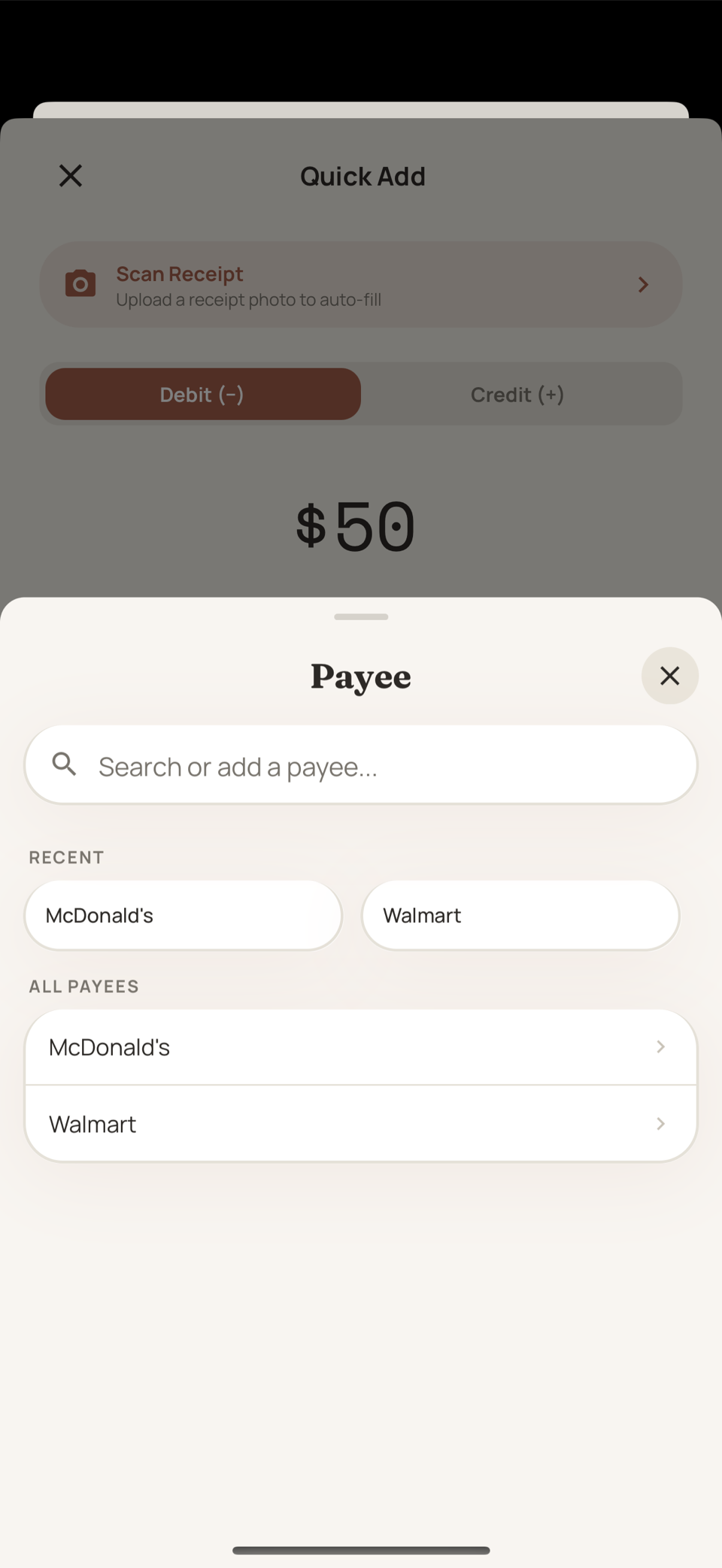
The merchant on a transaction: the coffee shop, the grocery store, the gas station.
You create one right inside Quick Add the first time you buy somewhere. Manage the full list from Settings whenever you feel like tidying.
Default envelopes
The real time-saver. Tell Hearth once that Starbucks belongs to Dining Out, and every future Starbucks purchase pre-fills that envelope.
Logging becomes: amount, payee, done.
You can always override the default for a one-off purchase. Hearth suggests, you decide.
Keeping payees tidy
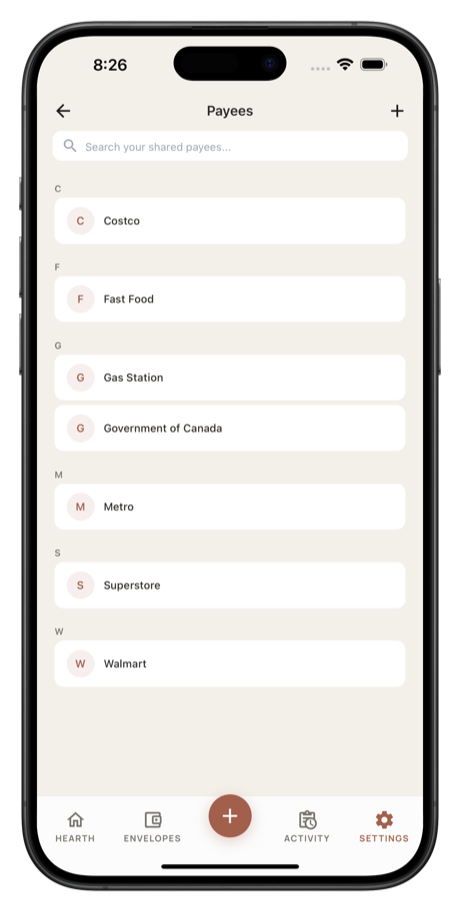
- Merge duplicates by renaming one into the other: "Trader Joes" into "Trader Joe's"
- Delete payees you created by accident
- Tap a payee to see your spending history with that one merchant. It's a quick way to notice you've spent more somewhere than you'd have guessed.
More guides
Still stuck? We're happy to help. Email support@hearthbudget.com.